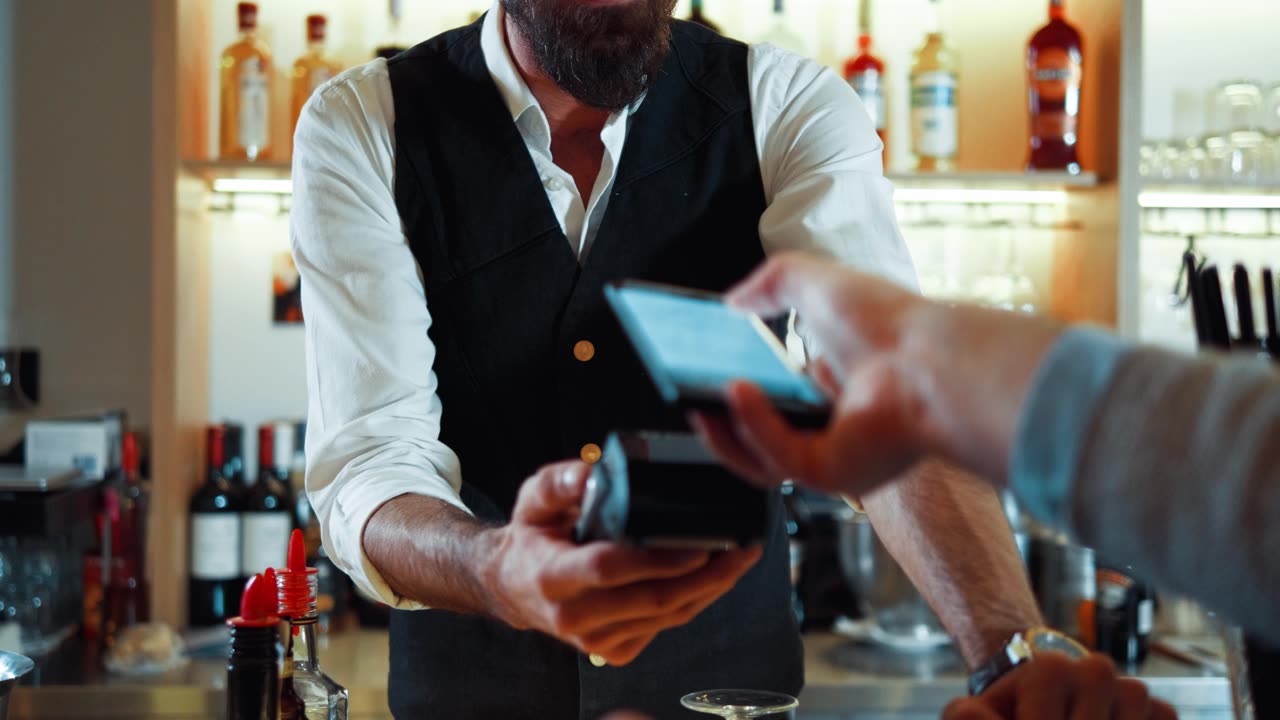
EPOS for pubs and bars
EPOS software and hardware built for fast rounds, floating staff and last orders, with the stock and reporting a busy bar needs.
We fit pubs and bars with a till built for speed at the bar: quick screens for a busy Friday night, staff logins that floating and part-time team members can pick up fast, and pricing that switches itself for happy hour and last orders. Behind the counter, stock and sales reporting keep the cellar and the bar stocked without guesswork.
What this trade needs from its till
A bar till lives or dies on speed. Staff need a layout they can work without stopping to think, screens that keep up through a full round, and pricing that changes itself rather than relying on someone remembering to switch it over at five o’clock. Tabs need to be easy to open, add to and settle from more than one till, because the person who starts a round isn’t always the one who closes it. Cellar stock has to be counted properly rather than guessed at from what’s left on the shelf, and regulars want to feel recognised without a paper stamp card that’s easy to lose.
A typical setup
Most pubs and bars run a fast bar terminal for orders and payment, a kitchen screen if food is served, and an app so customers can order and pay from the table or the beer garden without waiting for a free member of staff. We add stock control to keep an eye on the cellar, reporting to see what’s actually selling, and staff logins so a floating team member can walk onto any till and start working straight away. We put the setup together around how you run service, not a fixed package.
Kit we recommend
For most bars we fit TouchPoint as the till, with TouchKitchen for anywhere serving food and ByTable so customers can order from their phone without a member of staff free. TouchStock handles cellar counts and deliveries on a handheld rather than a clipboard.
Our usual counter terminal is the Oxhoo ZENIO, which switches between portrait and landscape on the same stand, paired with a flip-top drawer where there isn’t much depth under the bar. An Aures YUNO II is the option where you’d rather run either till range on the same box.
If a simpler, single-brand system suits your pub better, the alternative we fit is SamTouch POS on a SAM4S Forza116 terminal. Its tabs aren’t tied to one till, so a round started at the bar can be settled at another without anyone hunting it down.
Integrations that matter here
Card payments through Dojo, accounts software through Xero, and a loyalty scheme like Como Loyalty for regulars are the integrations pubs and bars ask us about most, alongside Apple Pay for anyone ordering through the app. See the full range on our integrations page.
Support after we fit it
Installation and training happen before you open, and menu programming gets your prices and categories loaded in ahead of time, so the till is ready for a full service, not a soft launch. We’re based in Runcorn and support pubs and bars across the North West, and if something needs fixing fast, our remote support gets a technician looking at the till over a secure connection. Ongoing cover runs through one of our support packages.
A shift in service
Doors open, the first rounds go through the bar terminal in seconds. As the evening picks up, floating staff log in on their own layout, orders from the app land straight at the bar or the kitchen screen, and happy-hour pricing switches itself off at the right time. At close, the manager pulls the night’s sales and stock report without touching a spreadsheet.
- Rounds pile up at the bar when staff can't move fast between screens.
- Floating and part-time staff need a layout they can pick up in one shift.
- Happy-hour and last-orders pricing needs to change without a manager rebuilding the till.
- Tabs run up over a session and need to be easy to find, add to and settle from more than one till.
- Cellar and bar stock drifts without a straightforward way to count and reorder it.
- Regulars expect to be recognised, but paper loyalty schemes don't scale.
TouchPoint — ICRTouch software
TouchPoint is the till software at the centre of an ICRTouch install — everything else in the range plugs into it.
View softwareTouchKitchen — ICRTouch software
TouchKitchen replaces kitchen printers with an order screen, so nothing gets lost and every course comes out on time.
View softwareByTable — ICRTouch software
ByTable gives your business its own branded ordering app so customers order and pay from their phone, with no per-order commission to a third party.
View softwareTouchStock — ICRTouch software
TouchStock is a handheld app for stock counts, deliveries and wastage, working out what's sold and what's missing as you go.
View softwareSamTouch POS
The SamTouch till for hospitality and retail, on SAM4S terminals, linked to SamTouch Office in the cloud and to apps for the table, kitchen and stockroom.
View softwareOxhoo ZENIO POS terminal
Oxhoo's flagship counter terminal, switching between portrait and landscape on a height-adjustable stand.
View hardwareOxhoo FT460 flip-top cash drawer
A flip-top cash drawer for shallow under-counter spaces behind a bar.
View hardwareAures YUNO II POS terminal — RED EPOS
Aures' flagship counter terminal — fanless, tool-less to open, and built to run either of our till software ranges all day, every day.
View hardwareSAM4S Forza116 POS terminal
A 15.6in SAM4S Forza touchscreen terminal, a little more screen than the 15in model for longer menus, running SamTouch POS.
View hardwareQuestions we get asked
Yes. Staff logins and menu layouts can be shared across sites you run, so someone covering a shift elsewhere isn't starting from scratch.
Yes. Time-based price levels switch automatically, so nobody has to remember to change prices manually at the bar.
Yes, with an app for customers to order and pay from where they're sitting, alongside the till at the bar.
Yes. Stock counts and reordering run from the same system as the till, so you can see what's moving without a separate spreadsheet.
ICRTouch is what we recommend for most bars. We also fit SamTouch on SAM4S terminals and CES Software's CES Touch as alternatives, where one suits how your bar runs better.
On SamTouch POS, our alternative till for bars, yes: a tab isn't tied to one till, so whoever settles it doesn't need to be at the till where it started. Ask us how tabs would work on a TouchPoint setup for your bar.
Talk to us about your setup
Tell us how your bar runs and we will tell you what we would fit. No obligation — we aim to reply within one working day.
Please don't send passwords by WhatsApp, text or email. We'll ask for them by phone, or you can type them in yourself during the remote session.