Remote support
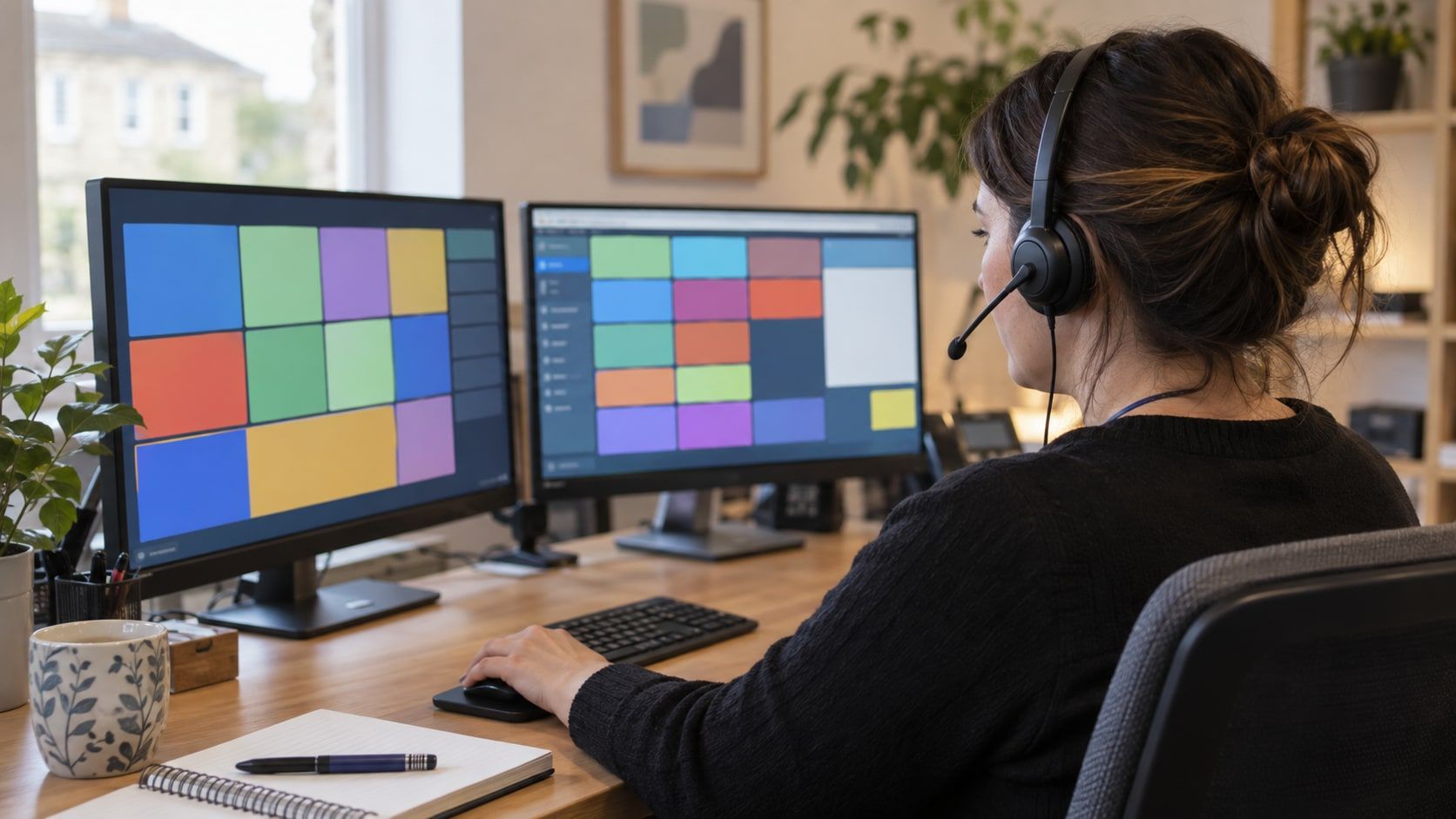
Something wrong with your till right now? We can connect to it over the internet, and often fix it while you watch.
Call us for a support code
Call us on 07885 671481 and we'll give you a support code.
Call 07885 671481Lines open Monday to Friday, 10am to 6pm. Package customers get help in their package's support hours.
Please don't send passwords by WhatsApp, text or email. We'll ask for them by phone, or you can type them in yourself during the remote session.
On an Android till or tablet? Call us too, we'll talk you through it.
Asked to download our support program? Get it here.
TEST: for testing only, awaiting approval
Share your screen from your browser
On the phone with us? You can share your screen from your browser so we can see the problem with you. This is being tested and isn't ready for customers yet, so please only use it if we've asked you to.
Request helpYou stay in control
-
You see when we're connected
While we're connected, a RED EPOS sign stays on your screen: a small window, or the red icon by the clock.
-
You can close it at any time
You can end the session yourself, whatever we're in the middle of.
-
We only connect when you've asked
No session starts unless you've called us and asked for one.
How a session works
-
01
Call us
Tell us what's wrong. We give you a support code.
-
02
Let us in
You enter the code and we connect while you stay on the line.
-
03
Watch us fix it
You see everything we do, and you close the session when we're done.
Remote help
No Fix No Fee
We look at the problem first, free, for up to 15 minutes. If we can fix it, it's £95, or £95 an hour if it takes longer than an hour. Before any work beyond the first 15 minutes, we tell you the price, so nothing is charged that you haven't agreed. If we can't fix it, you pay nothing.
No Fix No Fee is for remote help. On-site visits and parts are quoted up front, before we book or fit anything.
Get support
Call and tell us what's wrong. We'll give you a support code and connect while you stay on the line.
Please don't send passwords by WhatsApp, text or email. We'll ask for them by phone, or you can type them in yourself during the remote session.