EPOS Software

ICRTouch, supplied and supported properly

I am an ICRTouch reseller and I offer the full range. Anything on this page can be installed, programmed to your menu, and supported by the same person who sold it to you. Which parts you actually need depends on how you trade, so the sensible first step is a conversation rather than a shopping list.

01/ The ICRTouch range

Proven platforms. New connections.

Eleven products, and you almost certainly do not need all of them. Each block says what it does, who it suits and one example of it in use.

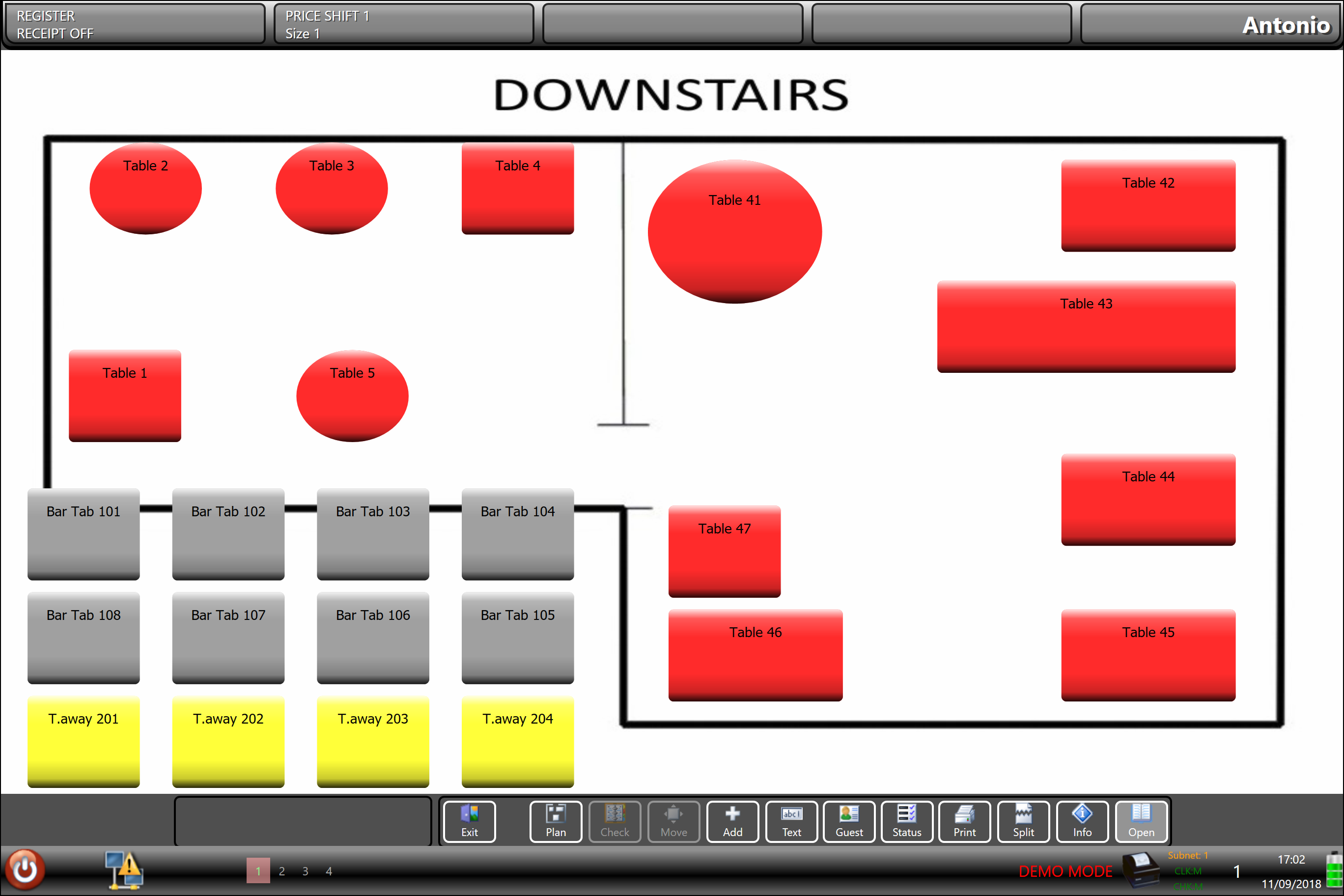
A till screen showing a graphical table plan of a restaurant floor

TouchPoint

The core till software, and the piece everything else hangs off. ICRTouch have been developing it for over 25 years, which shows in how far it can be configured. Buttons, layouts, price levels, promotions, staff permissions and printing all bend to how you already work rather than the other way round.

Suits: any site that needs a full till, from a single-terminal café to a multi-terminal pub.

In use: a pub running different price levels for happy hour, with the change applying automatically at five o’clock rather than being remembered by whoever is on the bar.

Call or enquire for pricing.
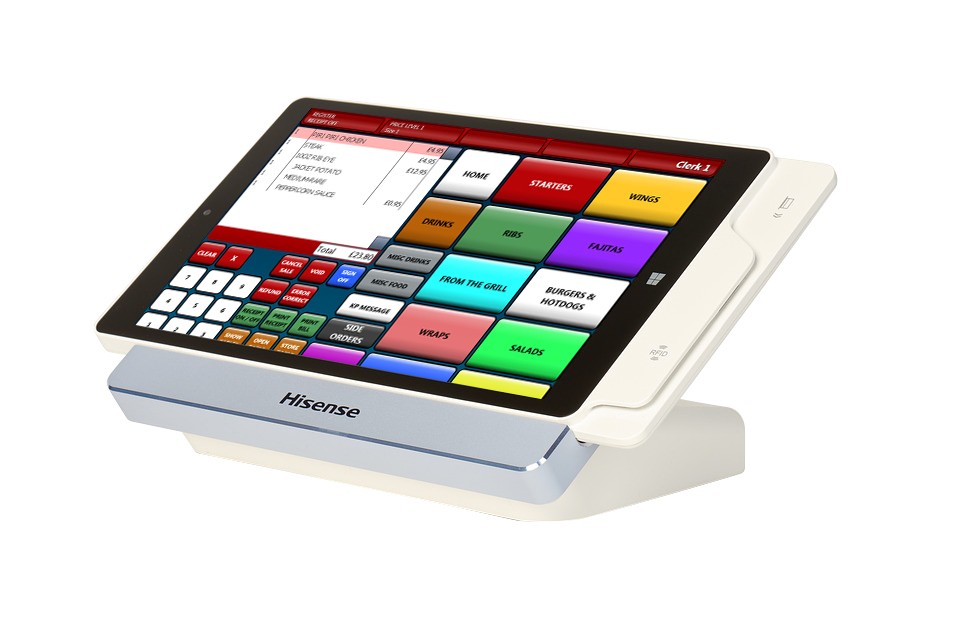
A compact tablet till in a docking station showing a colour-coded menu screen

TouchPoint Lite

The lighter version of TouchPoint. Same family, fewer moving parts, quicker to set up and easier to run on a smaller machine.

Suits: a small site, a second till, or a seasonal or pop-up counter that does not need the full configuration.

In use: a coffee counter inside a larger business, taking its own payments but not needing table plans or a kitchen screen.

Call or enquire for pricing.

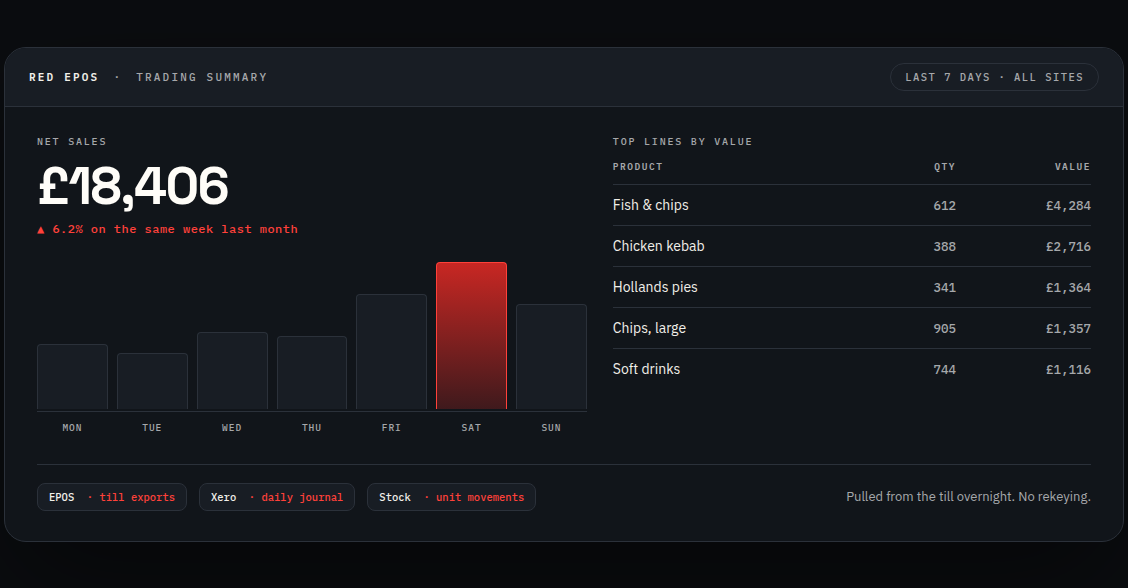
Example trading summary: net sales for the week, a daily bar chart and the top selling lines by value

TouchOffice Web

Back-office management and reporting that runs in a browser, so you can look at the business from anywhere rather than from the office machine at the back of the shop. Real-time figures, product and price maintenance, and reporting across sites.

Suits: owners who are not on site all day, and anyone running more than one location.

In use: checking yesterday’s takings and today’s live figures from a phone, and pushing a price change out to every site at once instead of doing it four times.

Call or enquire for pricing.

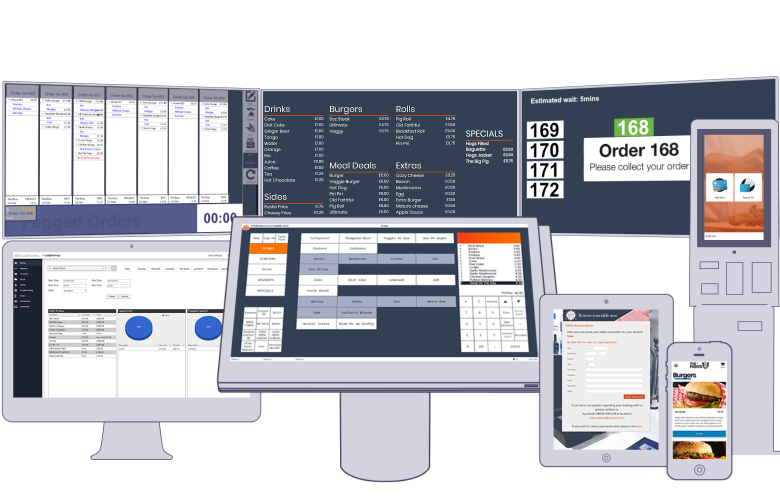
An online order shown on a phone, a tablet and a desktop screen

TouchTakeaway

Your own online ordering site for collection and delivery, with orders landing on the till. ICRTouch’s published position is 0% commission on every order. It has its own page on this site because for a takeaway it is usually the biggest single argument I can make.

Suits: takeaways, chip shops, pizza shops, and any restaurant taking collection or delivery orders.

In use: a chip shop taking Friday teatime pre-orders for a set collection slot, so the queue in the shop is people picking up rather than people waiting.

Call or enquire for pricing.

Read the TouchTakeaway page

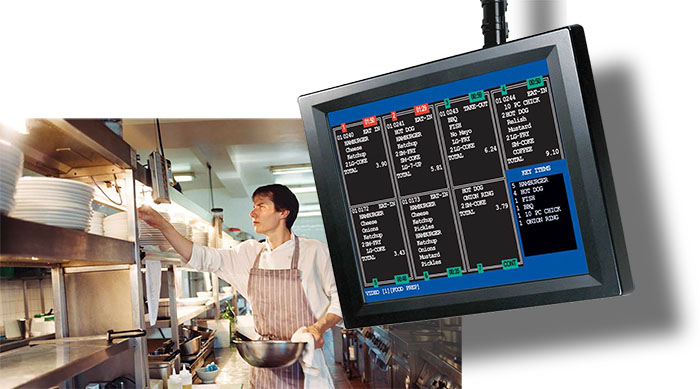
A kitchen display screen mounted in a kitchen with a chef working behind it

TouchKitchen

Kitchen display screens. Orders appear on a screen in the kitchen, get worked through, and get marked off as they go out. No paper tickets to lose, curl up or get splashed.

Suits: any kitchen where tickets are currently printed, and especially busy ones.

In use: a kitchen with separate screens for the grill and the fryer, each showing only the items that section is responsible for.

Call or enquire for pricing.
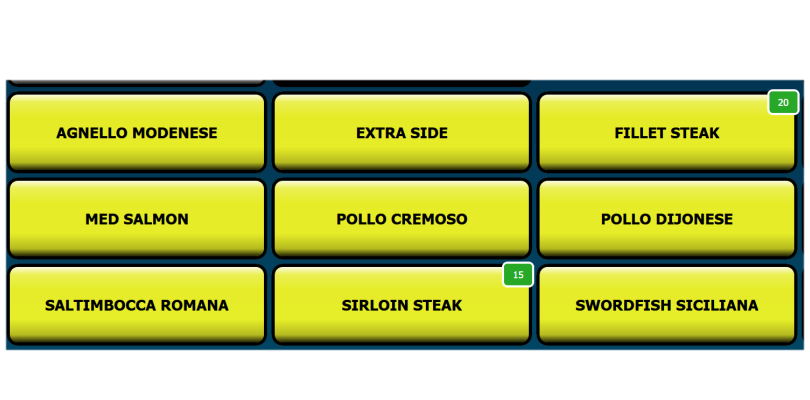
A till screen showing remaining stock counts on individual product buttons

TouchStock

Stock management and inventory control, including handheld stock counting with barcode scanning and label printing.

Suits: convenience stores, off licences, and any site where stock walking out unrecorded is a real cost.

In use: counting a wine shelf with a handheld scanner and having the count post straight into the system, instead of writing numbers on a clipboard and typing them up later.

Call or enquire for pricing.
A laid restaurant table with wine glasses set for service

TouchReservation

Online table booking and seat allocation, running around the clock so bookings come in when the phone is not being answered.

Suits: restaurants and pubs doing food, particularly anywhere currently keeping a paper diary.

In use: a Saturday night filling up with online bookings overnight, allocated against the actual table plan so you do not end up double-booking the big table by the window.

Call or enquire for pricing.
Two handheld tablets, one showing an order screen and one showing a terminal report

PocketTouch

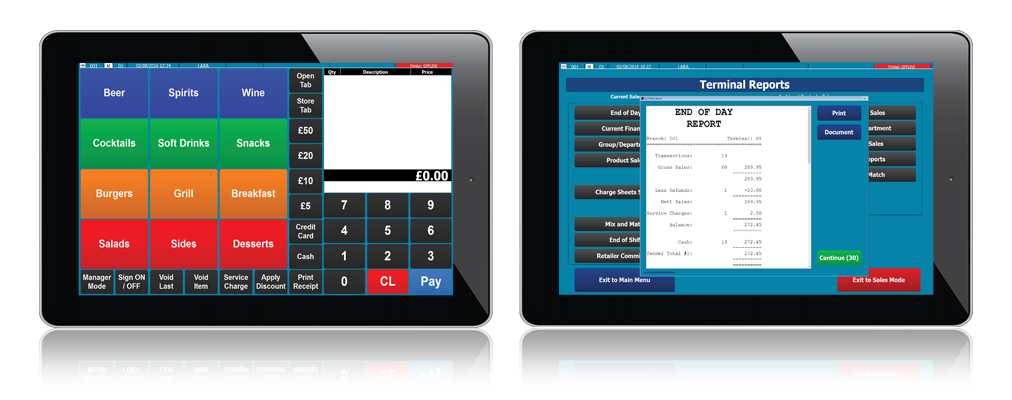
Handheld at-table ordering. Staff take the order on a handheld device at the table and it goes straight to the kitchen and the bar.

Suits: table service sites where staff currently write orders on a pad and walk them to a till.

In use: a beer garden fifty yards from the bar, where the walk is the thing killing service on a warm afternoon.

Call or enquire for pricing.

Two customers at a table with coffee

ByTable

Customers order and pay from their own phone, at their own table, from your menu.

Suits: pubs, beer gardens, and anywhere the queue at the bar is costing you orders.

In use: a busy Sunday where people order a second round from the table rather than deciding it is not worth the wait.

Call or enquire for pricing.

A pole-mounted touch screen terminal showing a menu of product buttons

SelfService

Self-order kiosks. Customers browse the menu and order themselves, then the order goes into the same system as everything else.

Suits: fast food and high-volume counters where the queue is the constraint.

In use: two kiosks taking the straightforward orders so the staffed counter can deal with the complicated ones.

Call or enquire for pricing.

CollectionPoint

Order status screens for customers waiting to collect. People can see where their order is instead of asking.

Suits: takeaways, coffee counters, and anywhere a crowd forms at the collection end.

In use: a chip shop on a Friday, with order numbers moving from preparing to ready on a screen above the counter.

Call or enquire for pricing.

02/ CES Software

CES Software

The CES Software logo on a point of sale screen

CES Software is the second range I work with. CES Touch is their EPOS software and has been in development since 1997. It covers the same two worlds ICRTouch does: hospitality including fast food, fine dining, hotels, leisure, pubs and clubs, and retail including general retailers, charity shops, convenience stores, dry cleaners, off licences and pharmacies. It is modular, so what you end up with is built from the parts that apply to your business.

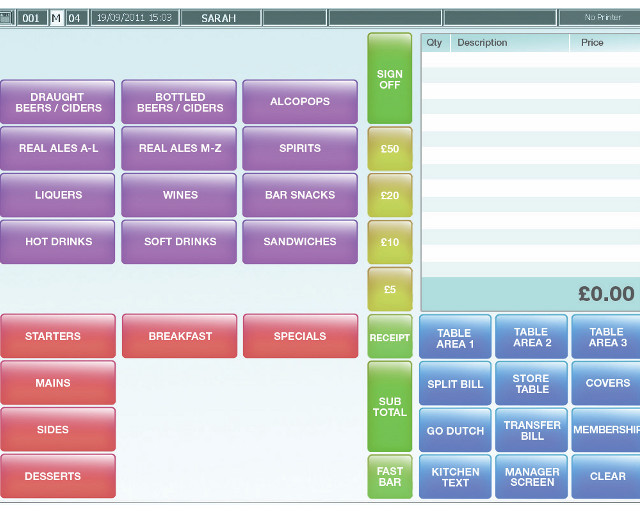
A CES Touch till screen laid out for a bar, with drinks grouped by category

CES also publish Ordersoft and CES Intelligence. If either of those is the right fit for what you are doing, ring and I will go through them with you properly rather than guess in a paragraph.

Call or enquire for pricing.

03/ Already running SamTouch?

An older system is not a stranded one.

Plenty of good SamTouch sites are still running, and being on software that is not this year’s model is not a reason to rip out a working till. SamTouch is developed in the UK by YCR Distribution, and I still support it.

That means programming changes, menu and price updates, new operators, printer and peripheral faults, and the back office — the ordinary work of keeping a system doing its job.

It also means SamTouch is not cut off from everything else on this site. The same integration work applies: takings into the accounts package, stock kept in step, reports pulled out into something you can actually read.

If you are choosing a system from scratch, I would point you at ICRTouch above. If you already have SamTouch, you do not need to move to be looked after.

Talk about your SamTouch system

Modules supported

SamTouch POS
The countertop till software
SamTouch Office
Cloud back office and reporting
SamTouch OrderPad
Table-side ordering
SamTouch Kitchen
Kitchen display
SamTouch OrderMe
Mobile ordering
SamTouch Samcount
Stock and inventory
Self Service Order Kiosk
Self-ordering terminal

04/ Beyond the till

The till is not the end of it

Whichever software you end up on, the useful part is usually what happens next: the takings reaching your accounts package without being retyped, the online orders reaching the kitchen, the stock figure matching the website. That is the other half of what I do, and it is worth knowing it is available before you buy rather than two years later.

05/ Which one is right

Which one is right for you

Honestly, it depends on the room. A single-till chip shop and a four-terminal pub with a beer garden need different things, and both of them get sold the same package far too often. Tell me how you trade, how many people are on at the busiest hour, and what currently goes wrong, and I will tell you what you need and what you do not.